
Track every event by BEO. Plan the next one better.
Catering Mode tracks production and overproduction for each event by BEO number, with real-time dashboard visibility, notes, and a searchable event history.
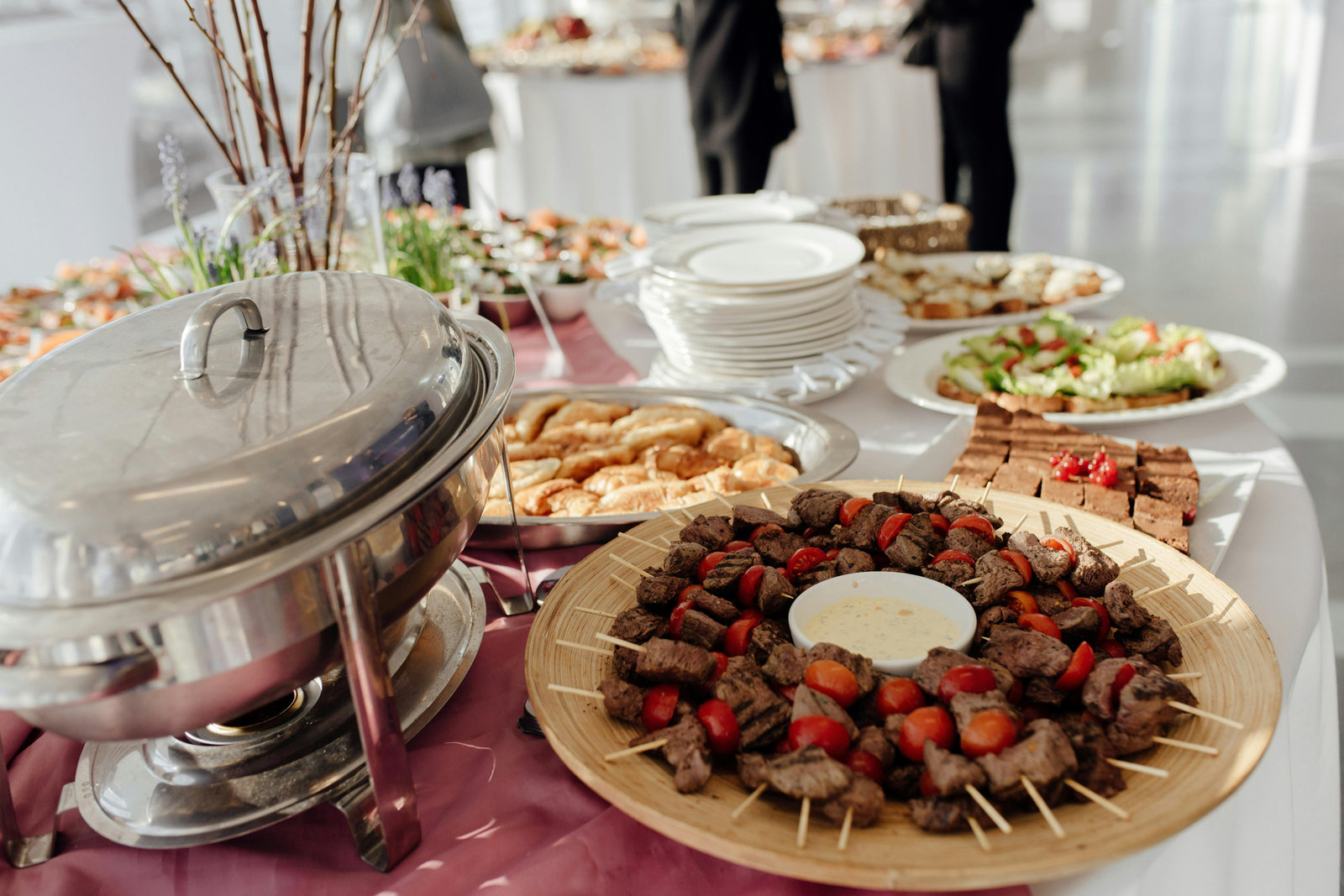
Three steps, every service.
- 1
Open the event
Start tracking under the event’s BEO number, so every measurement is tied to that event.
- 2
Track during the event
Record what was produced and what came back, with notes for anything unusual.
- 3
Plan the next one
Search past events and use what guests actually ate to set quantities for the next similar event.
The data
- Food prepared for each event
- What guests actually consumed
- Leftovers and overproduction per event
- Notes on headcount, timing, or menu changes
- A searchable history of every event
The decisions
- Set quantities for receptions, banquets, and buffets from real history
- Compare similar events side by side
- Cut overproduction without risking running out
- Spot menu items that are over-ordered at every event
- Share event results with sales and culinary teams
Built for busy kitchens.
Every event, its own record
Production and overproduction are logged against the BEO number.
See it while it happens
Real-time dashboard visibility during the event, not just after.
Context that sticks
Add notes on headcount changes, timing, or substitutions to explain the numbers.
Search past events
Find comparable events fast and plan from what actually happened.
Cover any room
Use mobile workflows for catering areas and pop-up stations without fixed hardware.
One menu, one dashboard
Catering data sits alongside your dining operations in the same reports.
Works with the rest of Metafoodx.
Every mode feeds the same menu, dashboard, forecasts, and reports. See how it all connects →
See it in your kitchen.
Book a demo and we’ll show you where to start for the biggest impact in your operation.